Rules
Image reporting problems: missing URLs, cropped evidence, mirrors and repeat uploads
Image reporting problems start with missing URLs, cropped evidence and the wrong policy route, then continue through mirrors and repeat uploads.
What to take away
- A screenshot without a direct URL may not let a reviewer locate the item.
- Over-cropping can strip the account, date and caption a decision depends on.
- The narrowest accurate policy route succeeds more often than a generic flag.
- Contacting an uploader can trigger retaliation or evidence deletion.
- Source removal, search refresh and mirror monitoring are three separate jobs.
Reporting is not one send button. It is a sequence of factual submissions to entities with different control over the same image: the host, the search engine, the platform, the registrar. Most failures come from recording the item badly, naming the wrong claimant, or asking one route to do work only another route can do.
What to record before you report
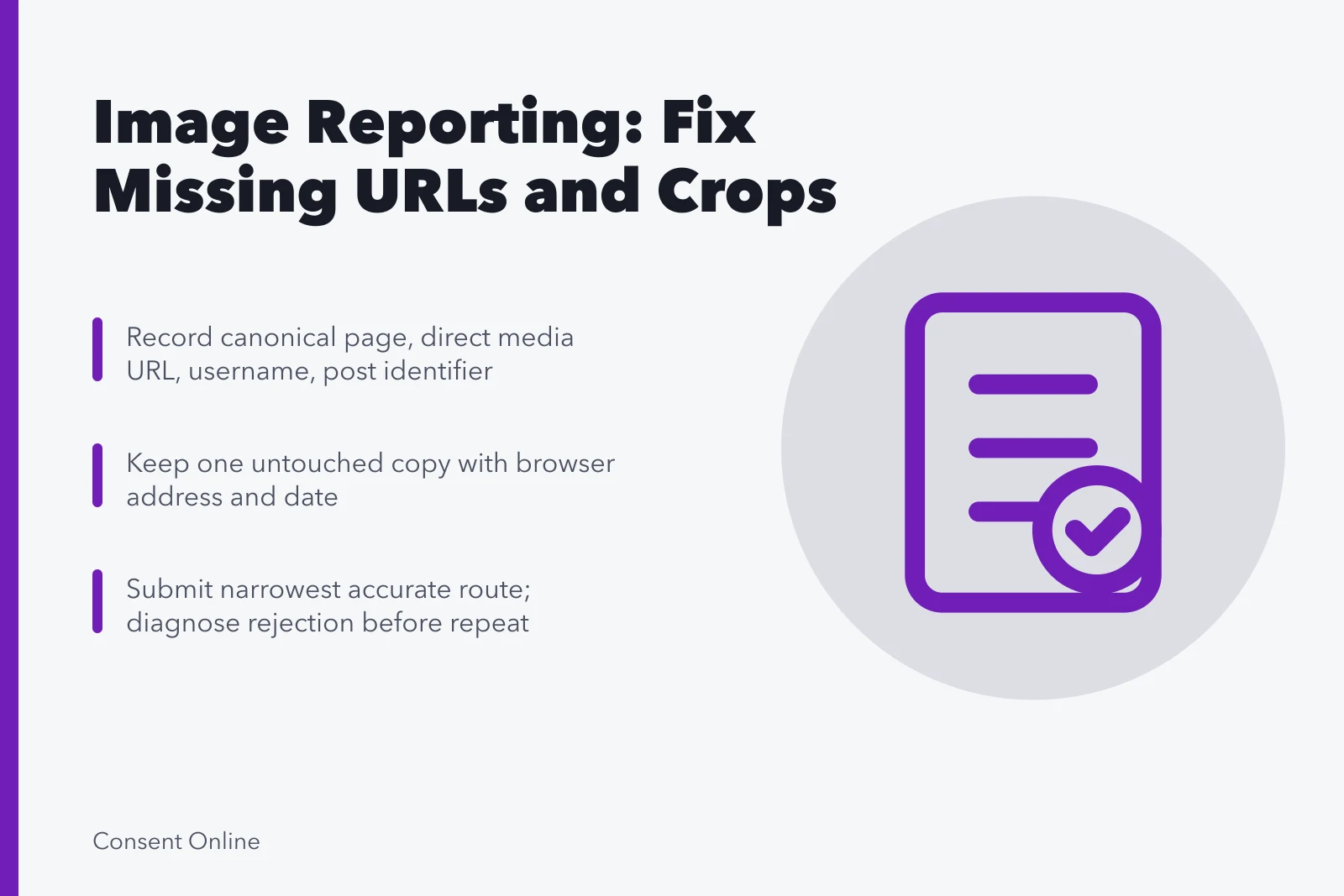
A profile screenshot shows the image but not the address that lets a reviewer find it. Mobile share links expire or redirect. Capture the canonical page URL, the direct media URL if the service exposes one, the profile URL, the username, and the post identifier.
Record Before Reporting
- Canonical page URL
- Direct media URL if exposed
- Profile URL and username
- Post identifier
- Lawful capture with timestamp
- Restricted untouched copy
- Redacted working copy with labels
If the source disappears, keep the lawful capture and its timestamp. Do not republish the image to manufacture a stable link.
One untouched copy stays under restricted access. A second, redacted working copy carries the labels you are willing to send. For intimate or child-related content, ordinary screenshot advice may be unsafe or unlawful; use specialist guidance and record non-image details instead.
Worked example: the report that failed twice
A creator files a privacy report on a reposted photo. The submission is rejected. The second attempt, identical, is rejected again.
Failed vs Corrected Report
Failed submission
- Screenshot
- Cropped to image
- URL
- Missing
- Account
- Not stated
- Caption
- Not included
- Date
- Not included
- Policy route
- Unclear
Corrected submission
- Screenshot
- Full post context
- URL
- Post URL included
- Account
- Account name given
- Caption
- Caption included
- Date
- Date included
- Policy route
- Category stated
The gap was the URL. The first screenshot was cropped to the image alone, so the reviewer had no post to open. The corrected submission carried the post URL, the account name, the caption and the date, and stated which policy category applied. The claim was the same; only the record changed.
That sequence is common. A rejection is information about the submission, not a verdict on the harm.
Choosing the right route
A generic content flag may not ask the questions impersonation, privacy, intimate-image abuse or copyright require. Reporting a whole channel can also leave the specific posts unreviewed.
Reporting Routes Compared
Claim
- Copyright
- Owner or authorized rep
- Privacy or intimate image
- Identifiable person or proxy
- Impersonation
- Person impersonated
- Platform policy breach
- Any user
Who can file
- Copyright
- Work, URL, declaration
- Privacy or intimate image
- Identification of person shown
- Impersonation
- Authentic account reference
- Platform policy breach
- Exact post, not account
What the route needs
- Copyright
- Privacy or intimate image
- Impersonation
- Platform policy breach
Read the service's categories and submit the narrowest accurate path. Facebook explains that a reported item is reviewed against Community Standards, that reporters can follow status in the Support Inbox, and that a disagreement path exists. It does not promise removal because many people report the same content.
Contact with an uploader
An uploader may delete evidence, make threats, expose more information, or move the content after direct contact. Assess physical access, shared accounts, domestic abuse, employment power and doxxing risk before sending a demand.
Before Contacting an Uploader
Could contact let the uploader delete evidence or expose more?
Use platform, advocate, lawyer, or law enforcement
Assess physical access, shared accounts, and doxxing risk
A platform, advocate, lawyer or law-enforcement contact can sometimes communicate without revealing a private address. Never promise anonymity when a legal notice requires contact details.
Stale results and mirrors
Confirm the current source before asking a search service to update its index. Save the old result URL and the live source response, then state plainly whether the page vanished, the image changed, or sensitive text was removed.
Search results differ by query, product, device, language, region and time. Record what you observed without claiming one check represents every audience. Recheck the exact source URL before each submission, because a changed path may need a different request.
A removed page can linger in a snippet or thumbnail until recrawled. Google's Refresh Outdated Content guidance covers pages or images that no longer exist or that removed important content. It is not the route for material still live at the source.
Mirrors need separate URLs and often separate hosts. Do not close the incident because one post vanished. Record what is gone, what remains, and which search products still display it.
Repeat uploads
The same file returns under a new crop, filename, account or service. Hash matching and duplicate protections help where a platform offers them, but they do not cover every transformation or private channel.
Set monitoring windows and delegate them. Constant searching can harm the person more than a day's delay on a nonurgent report. Keep discovery messages factual and never attach the image in casual chat.
Common questions
Should I resubmit after a rejection?
Only after identifying a correctable gap, a new fact, or a valid appeal basis. Repeating an identical submission usually produces an identical result.
What if the service has no matching category?
Use its closest truthful route. Describe the specific issue in two sentences. Consider host, search, privacy, legal or support options in parallel.
Does a 404 mean the copy is gone everywhere?
No. It confirms only that one URL did not return the item at that check, at that time, from that network.
Can I automate searches?
Possibly, but review these risks before collecting large amounts of material:
- privacy
- account
- emotional
- cost
- false-positive
- service-term