Guides
How to document and report an unauthorized image without spreading it further
Document an unauthorized image by capturing URLs, accounts and timestamps, then filing one accurate report and tracking each outcome in a single log.
What to take away
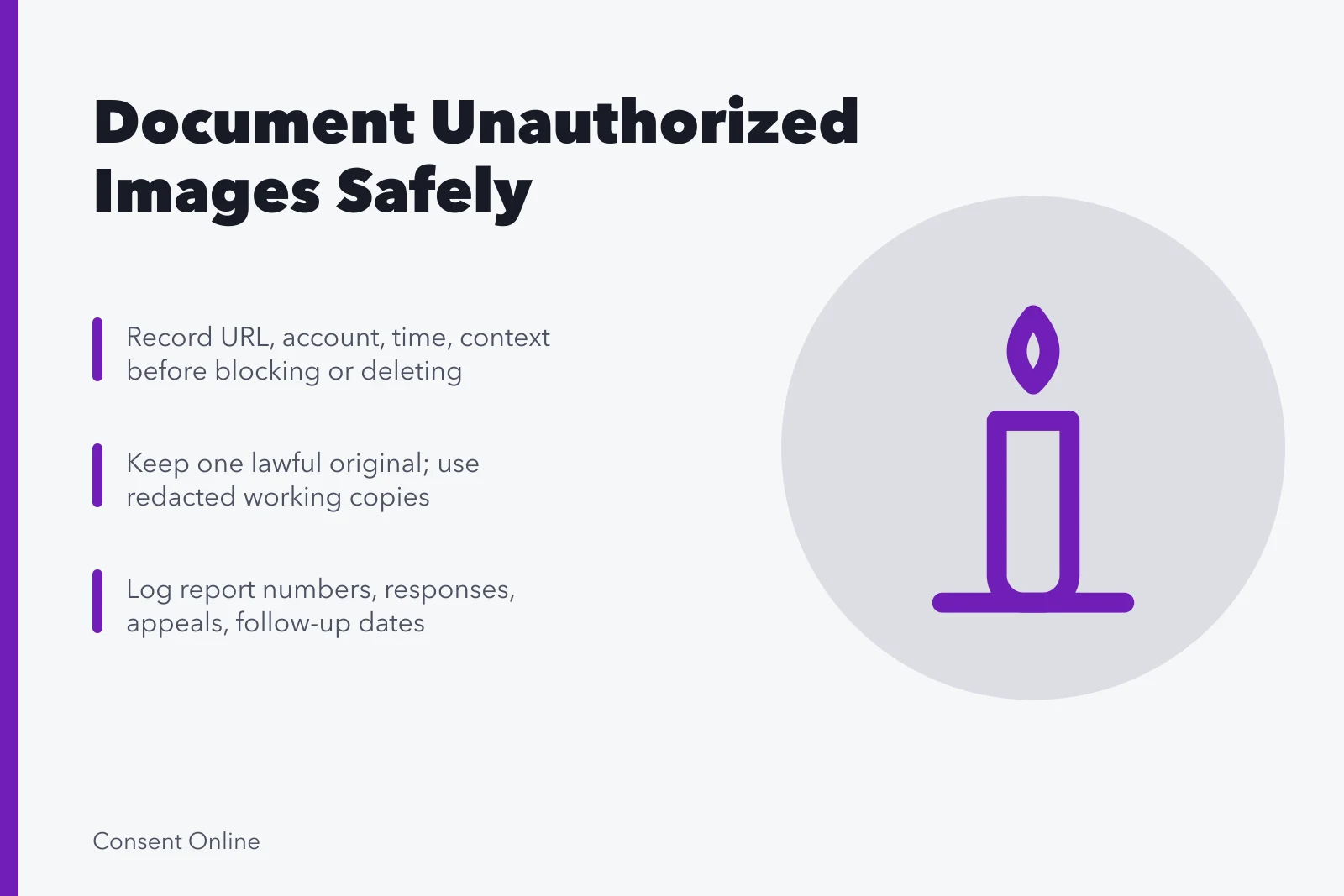
- Capture the page URL, account identifiers, timestamps and surrounding text before you block or delete anything.
- Write descriptions instead of saving extra copies; every copy is another file that can leak.
- Keep one untouched original only if you can hold it lawfully, and keep it in a restricted folder.
- File one accurate report through the route that matches the harm: privacy, impersonation, harassment, intimate-image, or copyright.
- Log the report number, the response, any appeal and the next follow-up date in one place.
This guide covers an ordinary unauthorized image or video of an adult. Intimate content, threats, stalking, domestic abuse and material depicting a child need specialist help. Do not download or forward suspected child sexual abuse material; contact the platform's child safety route and the relevant child protection authority.
Decide on safety before you document
Do not alert the uploader until you have weighed retaliation, doxxing, shared accounts, workplace contact and physical access. Use a device the other person cannot monitor. Ask someone you trust to help without handing them the disputed file.
Document or wait?
Is there immediate danger?
Call emergency services
Use a safe device
If danger is immediate, call the emergency service for your area. A record can wait when staying on the page puts you at risk.
Capture the page, not the picture
Capture page details
- Full page URL
- Direct media URL if safe
- Profile URL
- Username and display name
- Account identifier
- Date, time, time zone
- Caption, claims, tags, visibility
Screenshots earn their place only when they show the browser address and enough of the page to identify it. Never crop your only copy. Keep a separate redacted version for emails and team discussion.
Trace the image back to its source
Identify the earliest known source, the creator, the copyright owner, the person depicted, the publication agreement and the approved uses. Leave the original file's metadata intact. Do not mark up the master with arrows or notes.
Trace image source
- Earliest known source
- Creator
- Copyright owner
- Person depicted
- Publication agreement
- Approved uses
- Leave metadata intact
WITNESS guidance on video as evidence and archiving covers creation metadata, context, access history, accurate description and preservation of originals and edits. It was written for human rights documentation, which is broader than an ordinary platform complaint, so take the preservation principles and leave the rest.
Build a record you can hand to someone else
Build handoff record
- Incident number and folder
- One lawful original or capture
- Text record of URLs and accounts
- Original work or release
- Timeline
- Report submissions and receipts
- Responses and appeal messages
For each item, note who collected it, when, from where and what was changed. A hash can show that a file changed; it cannot show that the image is true, consented to, or owned by anyone in particular.
Pick the report route that matches the harm
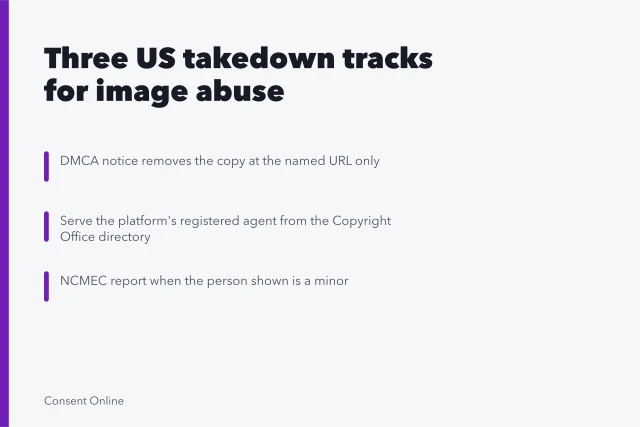
Read the service's current categories before you choose. Impersonation fits a false account. Privacy fits personal exposure. Harassment fits targeted abuse. Intimate-image routes fit sexual privacy. Copyright fits an owner or an authorized agent, and nobody else.
Give the exact offending URL, a clear source reference, one short statement of the policy problem and the action you want. Answer required legal declarations accurately. Save the submitted text as a PDF or screenshot before you send it.
Keep follow-up on separate tracks
A platform report, a host notice, a search removal request and a legal complaint are four different rows, and a request sent to a social network is not a request sent to the host. Add status, the next review date and who owns it.
When something comes down, check the source URL yourself, then ask for a stale-result refresh where that route exists. Hold the log for a set period, then delete the screenshots you no longer need.
Common questions
Should I download the highest-resolution copy?
Not routinely. It creates another copy and another chance for exposure. Preserve only what a qualified purpose requires, and let your attorney tell you what that is.
Can metadata be trusted on its own?
No. Metadata can be missing, altered or misread. Keep the source, the context, the access history and any corroborating records alongside it.
Should I annotate the original screenshot?
Keep one untouched capture. Put arrows, highlights and explanations on a separate working copy that is clearly labeled as edited.
What if the page disappears before I report it?
Keep the URL, the account details, the timestamp, any lawful capture and the context of how you found it. Do not republish the image to create a fresh copy.