Maintenance
Safety, URL, account, timestamp, screenshot, file, report, case number, escalation, monitoring, and retention checklist
A working checklist for image report evidence: safety, URLs, accounts, timestamps, screenshots, files, report categories, case numbers, escalation, and retention.
What to take away
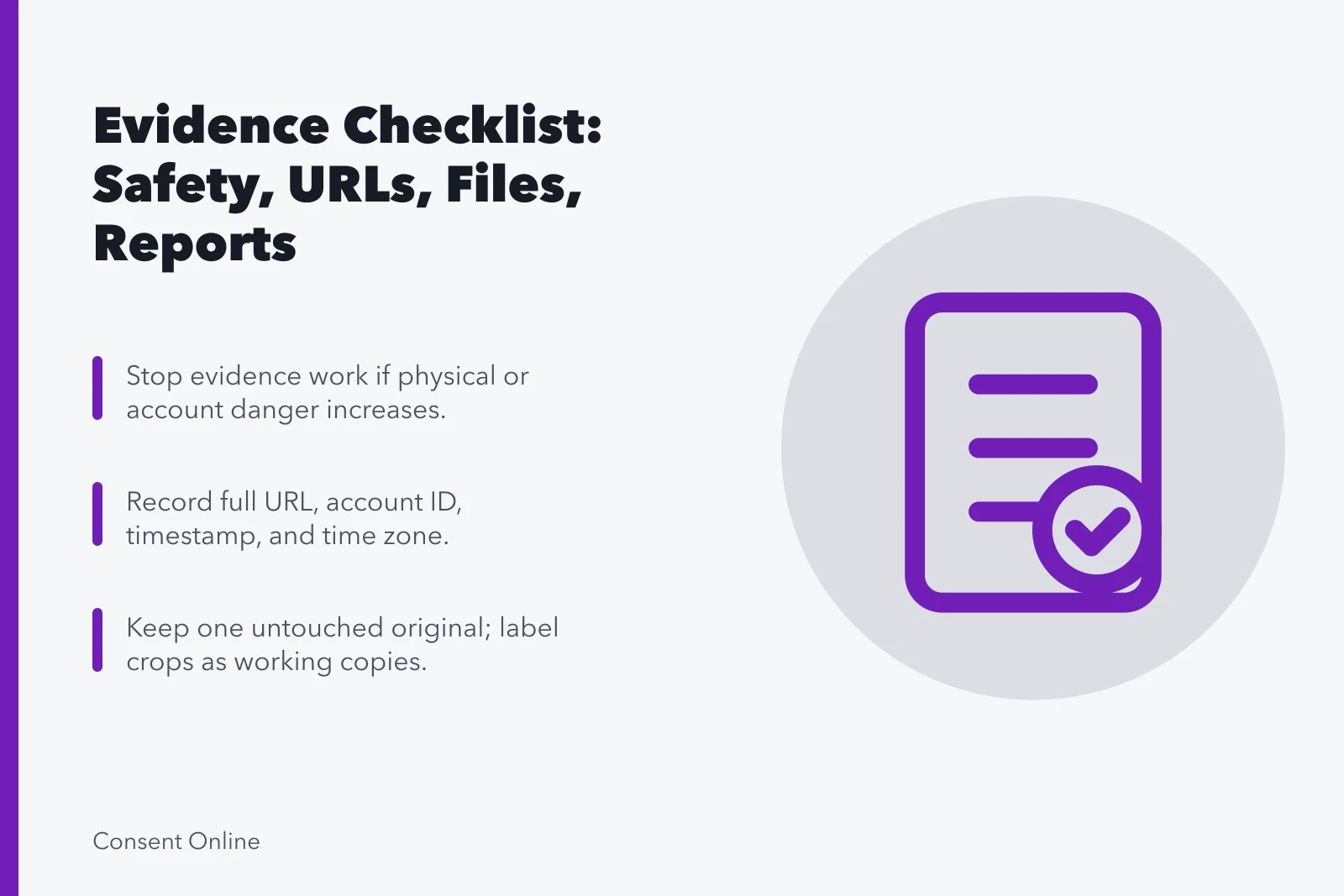
- Stop evidence work if it increases immediate physical or account danger.
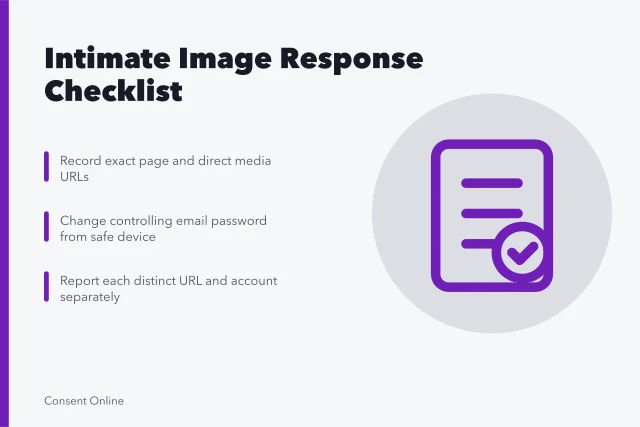
- Record exact URLs and account identifiers before changing access.
- Keep one untouched lawful original and use redacted working copies.
- Match the report category to the platformYouTube, Meta, Twitch and Google each split reports differently.
- Save submission text, case numbers, decisions, and appeal deadlines.
- In the UK, a data protection complaint to the ICO is not the same as a rights request to the organization.
- Delete surplus evidence under a written retention rule.
Use this checklist for ordinary unauthorized image or video reports. Intimate content, child sexual abuse material, stalking, and credible threats need specialist handling. The checklist is an administrative aid, not legal advice.
Safety
Safety check before evidence
- Check physical danger, doxxing, stalking risks
- Choose unmonitored device and network
- Avoid direct contact until retaliation reviewed
- Identify trusted helper and limit sharing
- Contact emergency or specialist support
Location and account
Location and account details
- Copy full page URL
- Record direct image or video URL
- Save profile URL, username, display name
- Note discovery location and app view
- Record date, time, and time zone
- Describe audience, caption, tags, claim
Screenshot and file
Screenshot and file handling
- Include address bar and context in screenshot
- Keep one untouched capture
- Label crops, highlights, redactions as working copies
- Preserve original source file and metadata
- Record who collected each item
- Never download suspected child sexual abuse material
Report preparation
- Identify the exact harmimpersonation, privacy, harassment, intimate image, copyright, false context, or another policy issue.
- Confirm who is authorized to report.
- Find the service's current route.
- State the specific URL and requested action.
- Attach only what is required.
- Read declarations before signing.
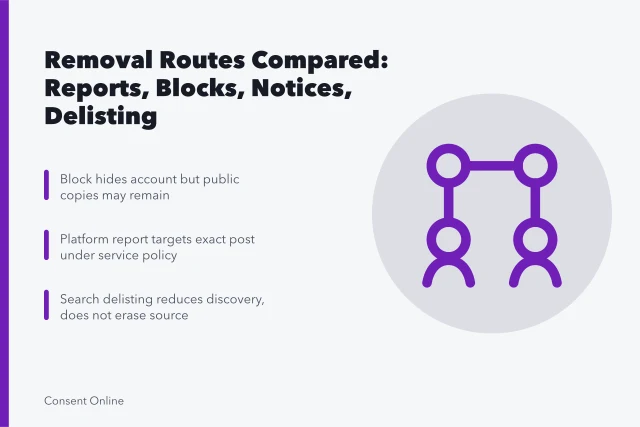
The category you pick decides which queue reviews the report. YouTube's page on reporting videos, channels, and other content separates reports into categories. A report triggers review rather than automatic removal. The categories are:
- individual videos
- channels
- comments
- posts
- privacy issues
- legal issues
Meta splits impersonation, privacy violation, and intellectual property into different forms with different reviewers. Twitch handles harassment, privacy, and copyright through separate channels, and copyright through its own notice process. Google's search removal routes are separate again: personal information removal, copyright removal, and court-order removal each have their own form and their own evidence requirements.
Pick the route that matches the harm. A privacy report filed as a copyright claim, or the reverse, is usually rejected on category rather than on facts.
Submission record
- Save the submitted wording.
- Record date, time, account used, policy category, and recipient.
- Keep confirmation email, case number, and expected response window.
- Note whether information may be shared with the uploader.
- Record status as pending, removed, restricted, rejected, appealed, or closed.
Escalation
- Read the stated reason for rejection.
- Correct missing URLs, authority, identification, or category.
- Use an appeal only when new or overlooked facts support it.
- Consider host, search, privacy, copyright, law-enforcement, or legal routes separately.
- Do not send threats or contradictory notices.
Before moving to a regulator or court, assemble a bundle. Include the original submission and the organization's complete reply. Add a short timeline and the precise outcome requested. Also include evidence of harm. Remove unrelated personal data from the working bundle. Keep originals available under controlled access in case an authorized reviewer needs them.
Escalation routes differ by authority and jurisdiction. A platform appeal stays inside the platform. A host or registrar notice goes to the company hosting the page.
A regulator complaint goes to the body that oversees the organization. Court action goes through the courts of the relevant jurisdiction.
Each has its own forms, deadlines, and standing rules; confirm the current requirements with a licensed attorney in that jurisdiction.
For UK personal-data matters, the ICO's page on complaining to an organization distinguishes a complaint from a rights request. A complaint is about how an organization handled your data; a rights request asks the organization itself to act, for example to erase or stop processing.
The ICO says organizations must have a complaint process. Its guidance is under review, so check the current version and your jurisdiction.
Monitoring and retention
- Set a planned review frequency.
- Add every new mirror as a separate URL.
- Assign monitoring so the affected person can step away.
- Close resolved rows with a factual outcome.
- Retain only what supports a defined safety, legal, contractual, or operational purpose.
- Delete duplicate screenshots, expired access, and unnecessary personal data.
Review frequency should match how fast mirrors appear. A fast-moving repost pattern needs a shorter interval than a single settled page. Set the interval, name who checks it, and put a date on the next review so it does not drift.
Common questions
Should I report the profile or the post?
Report the specific post for its content and the profile for account-level misconduct when both routes apply. On most platforms these are separate forms with separate reviewers, so file both if both harms exist.
Is the uploader notified?
That depends on the route and service. Legal notices may require information sharing. Review the form before submitting.
How long should evidence be kept?
Set the period with legal, safety, emotional, and operational needs in mind. Longer is not automatically better. Write the rule down and delete on the date it names.
Can a friend file for me?
Some services allow authorized representatives; others require the affected person or rights holder. Check current rules and document authority.